
Passwords, Accounts & Workplace Security
Learn how to create strong passwords, protect your work accounts, recognize manipulation tactics, and stay aware of physical security around your workspace.
~10 minutes
Why Passwords Matter
Your password is the lock on your HR portal, your email, and every other work account. If someone guesses or steals it, they can access your personal information: pay stubs, tax forms, home address, Social Security number, and bank details.
Protecting Your Accounts
Never share your password
Your password is yours alone. No one at this company will ever need it, including IT, your manager, or HR. If someone asks for your password for any reason, that is a red flag.
Do not reuse passwords between work accounts
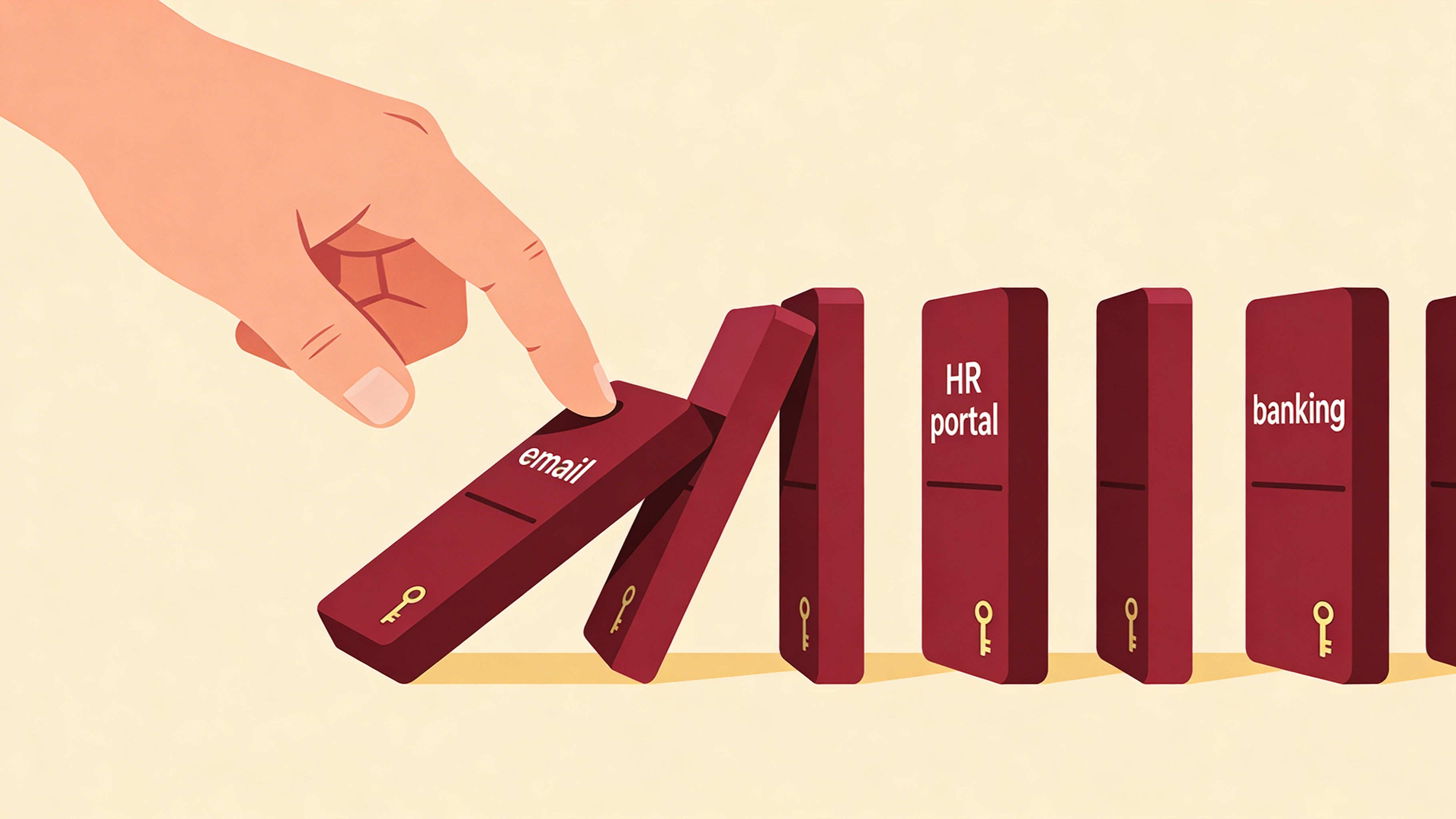
Use a different password for every work system you log into. If you have a login for the HR portal, your email, and any other work application, each one should have its own unique password.
If one account is compromised and you used the same password on your other work accounts, the attacker now has access to all of them.
If you think your password is compromised
- Change it immediately. Do not wait.
- Tell your manager or IT. They can check for suspicious activity on your account.
- The best protection is never reusing passwords. But if you did use the same password on other accounts, change all of them right away. Start with your most sensitive accounts first.
Physical Security
Shoulder surfing
Someone watching over your shoulder as you type your password or view sensitive information is called shoulder surfing. This can happen in the office, at a job site, or anywhere you use a device.
Lock your screen when you walk away
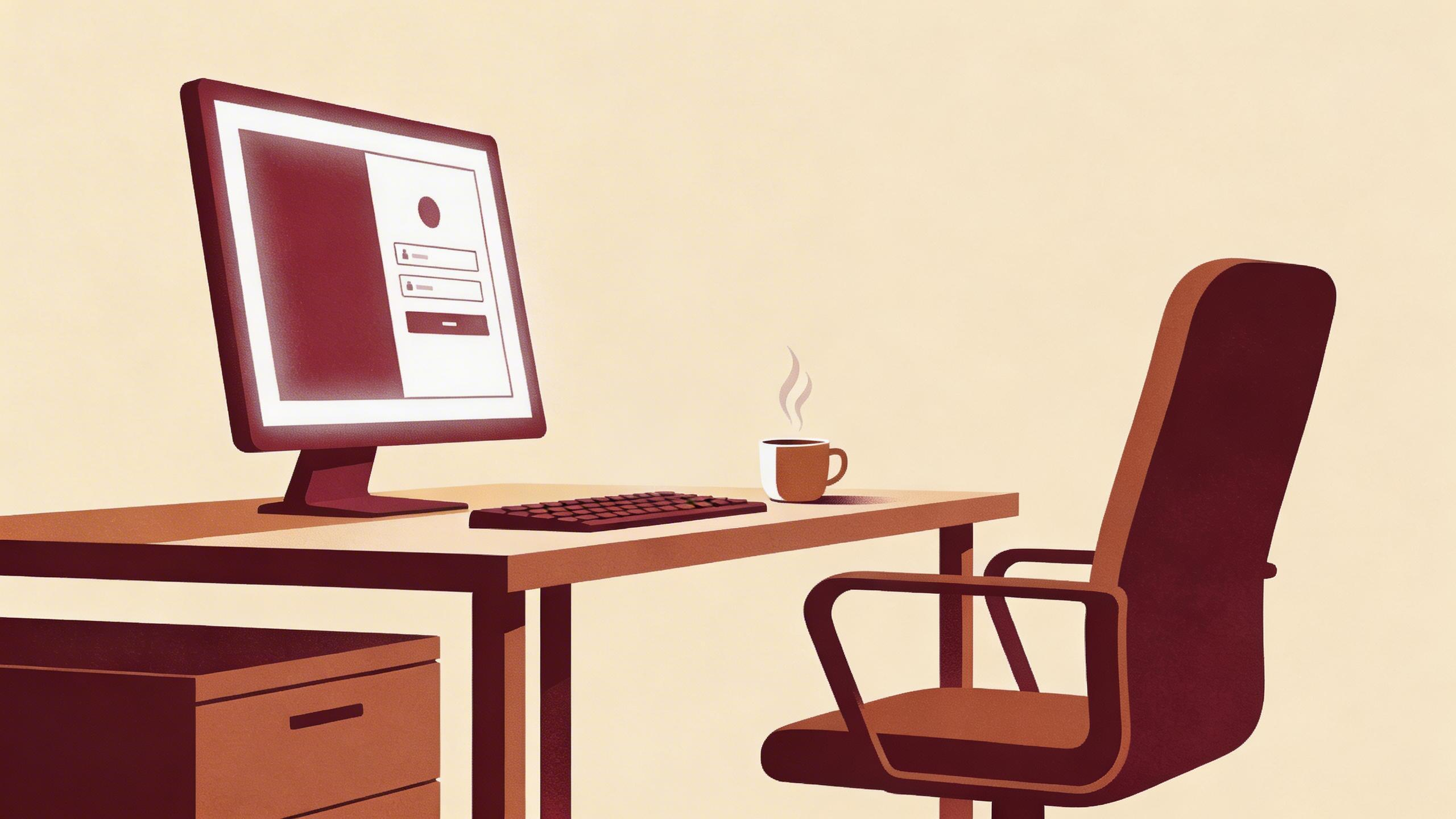
Always lock your screen when stepping away, even for a few minutes. On Windows, press Windows key + L to lock instantly. It takes one second and prevents anyone from accessing your accounts.
Do not write passwords down
Avoid writing passwords on sticky notes, under your keyboard, or anywhere visible at your workspace. If you need help remembering passwords, the passphrase method makes them easy to remember.